Printable feedback labels
Generate print-ready feedback labels with clear, structured comments that can be easily shared with students in exercise books or assessments.
MarkAssist
AI-assisted marking support for teachers
Powered by
Paideia Tech
MarkAssist Features
Explore how Quick Mark, Batch Mark, and Class Marks fit together — from a single script to a full class view. Launching with English first, with more subjects planned.
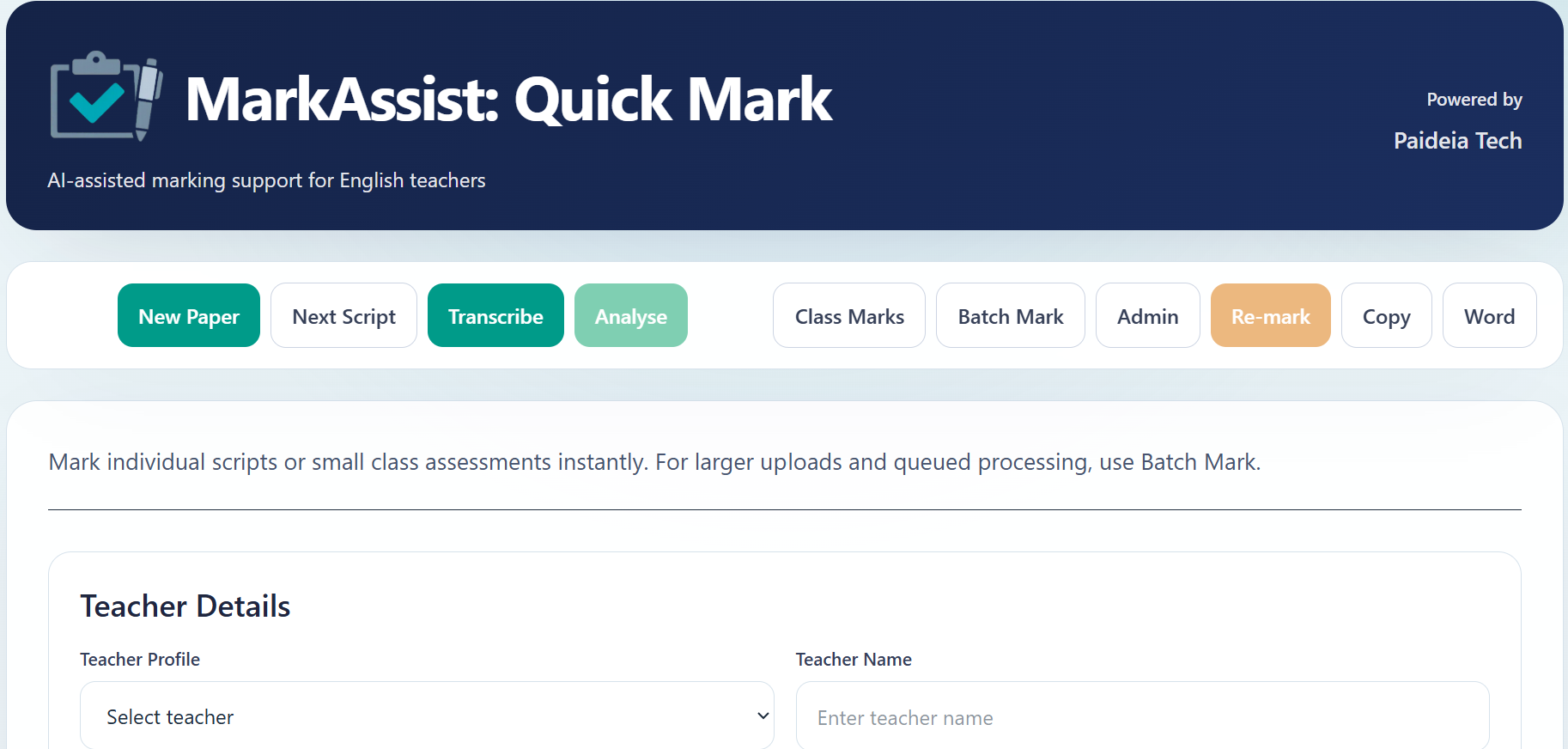
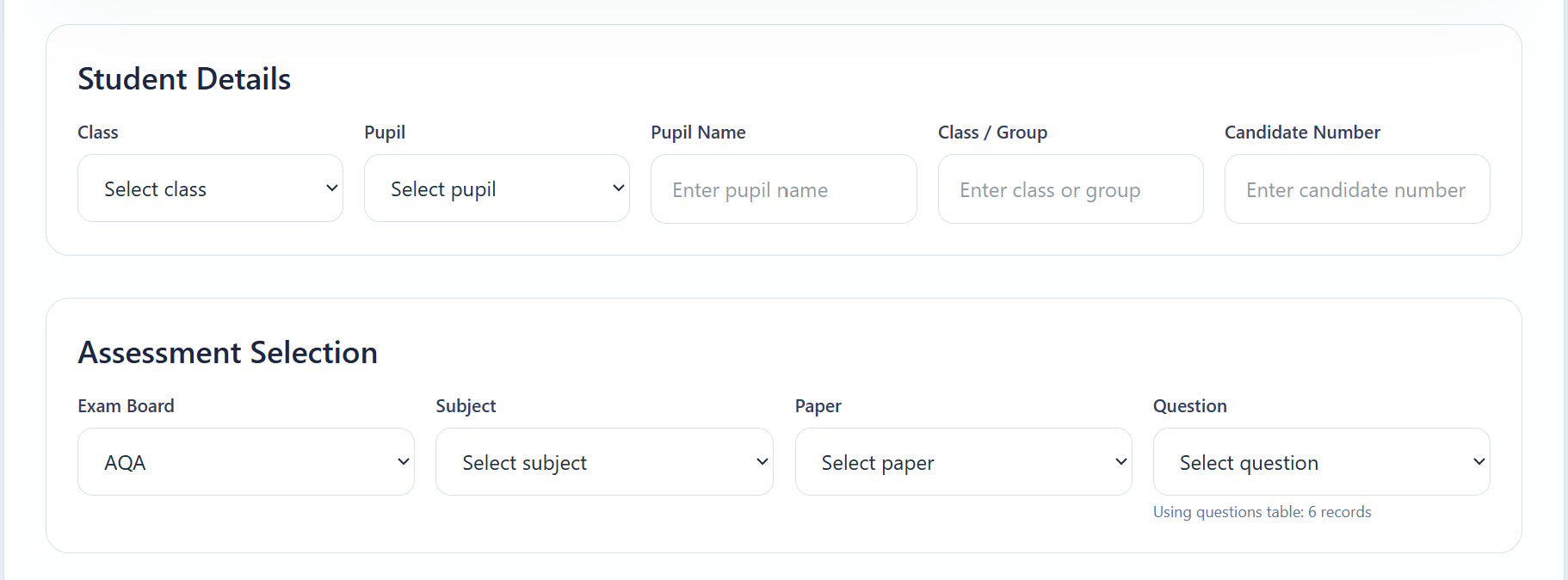
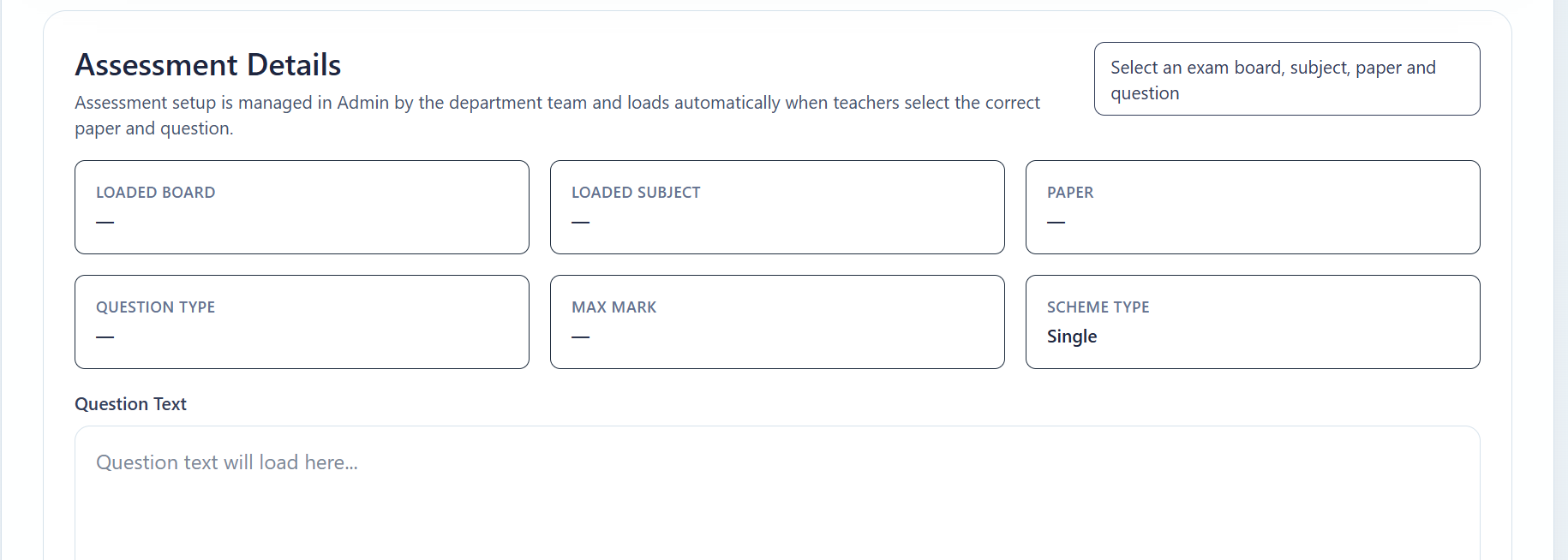
Quick Mark is designed for fast, focused marking of individual scripts or small sets of responses. Teachers can upload or paste a student answer and instantly receive a structured suggested mark with clear feedback aligned to their assessment criteria.
This makes it ideal for day-to-day marking, quick checks, or reviewing individual pieces of work without needing to process a full class set.
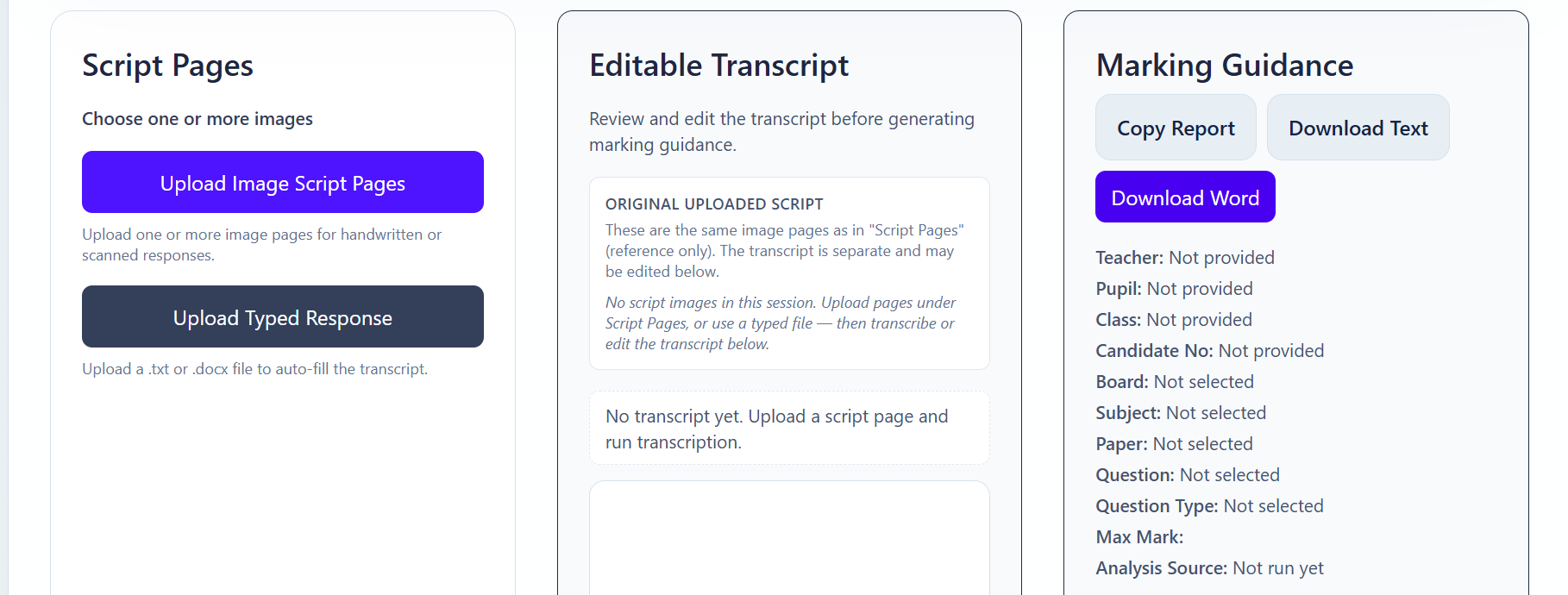
Beyond marking, MarkAssist helps departments review usage, monitor adoption, and improve consistency over time.
HOD DASHBOARD
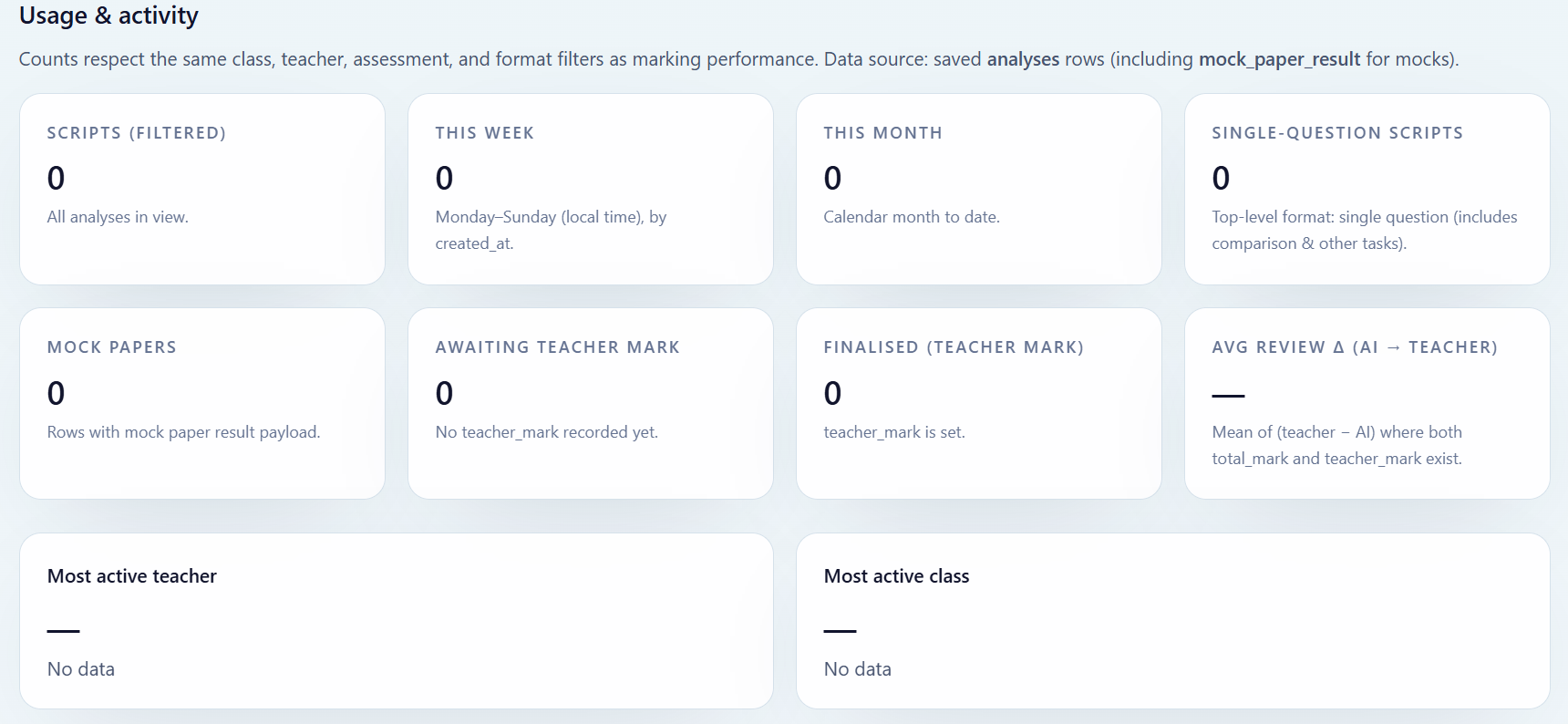
MarkAssist gives Heads of Department a clearer view of how the platform is being used across the department. From one place, leaders can see activity by class, by teacher, and across the wider department, helping them understand where marking is happening and how the workload is distributed.
This gives departments more than just a marking tool. It creates a live view of usage, helping leaders spot engagement patterns, monitor adoption, and understand where the platform is delivering value across classes and teachers.

CALIBRATION
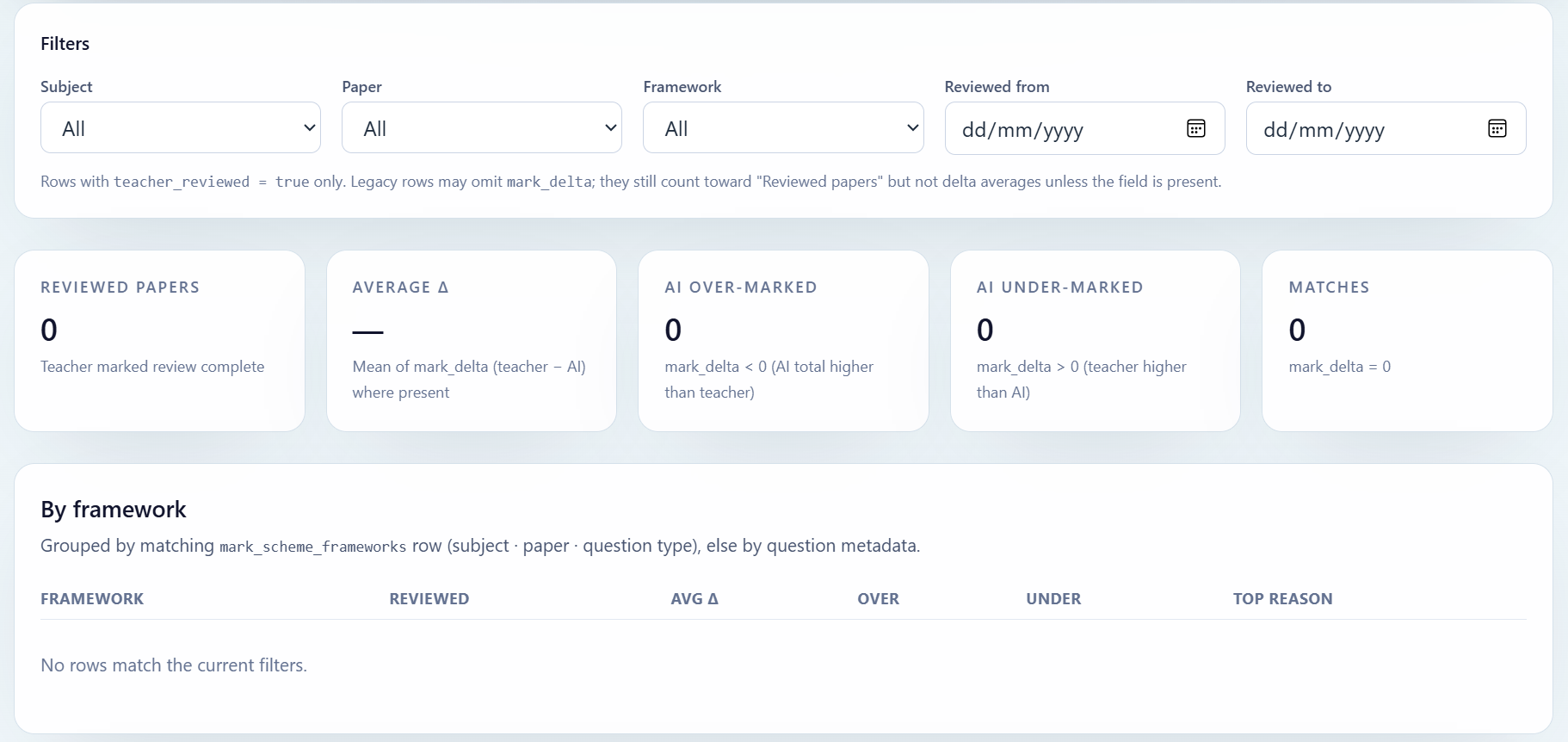
MarkAssist includes a Calibration Dashboard designed to help departments review how AI marking compares with teacher judgement over time. By looking at reviewed scripts and mark differences, departments can identify where the system is too generous or too harsh and make informed adjustments.
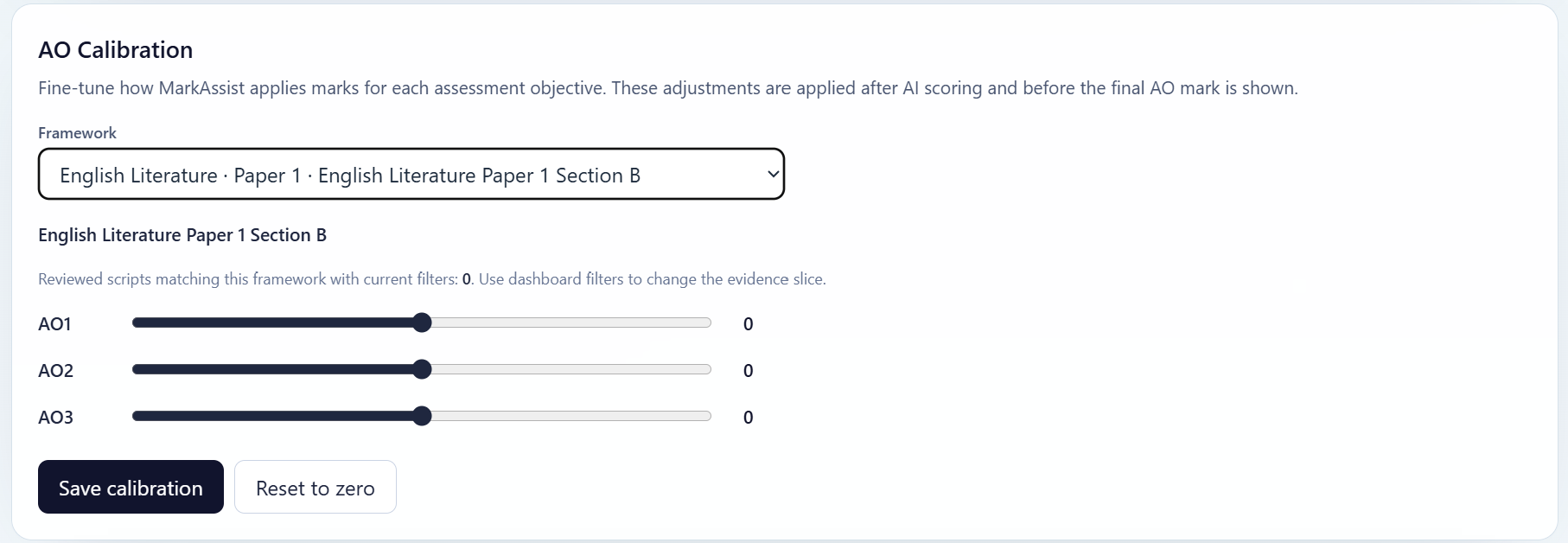
AO Calibration adds a practical layer of control by allowing departments to fine-tune assessment objectives at framework level. This helps schools improve consistency, build confidence in the platform, and align AI-assisted marking more closely with departmental expectations.
ADDITIONAL FEATURES
MarkAssist continues to expand with features designed to support teachers beyond marking — from feedback delivery to department-level insights.
Generate print-ready feedback labels with clear, structured comments that can be easily shared with students in exercise books or assessments.
Gain visibility across classes and teachers with department-level insights, helping leadership teams monitor consistency and progress.
Support internal moderation by comparing marking outcomes against a reference standard, helping departments maintain consistency.